
Role Access
Users & permissions
Portal Development Services
Custom Portals Built Around Users, Access & Business Workflows.
We build secure web portals for businesses and institutions that need controlled user access, dashboards, records, documents, requests, status tracking and connected workflows — all in one structured digital experience.
Dashboards
Relevant information
Records
Documents & history
Workflow
Requests & status
Integrations
Connected services
Jamshedpur-based team · Portal development services across India

Why Build a Business Portal
Give Every User One Clear Place to Access What Matters.
A portal becomes valuable when customers, partners, students, employees or members repeatedly need information, documents, updates or actions from your business. Instead of handling every request through calls, messages and email, the right portal can provide a structured self-service experience.
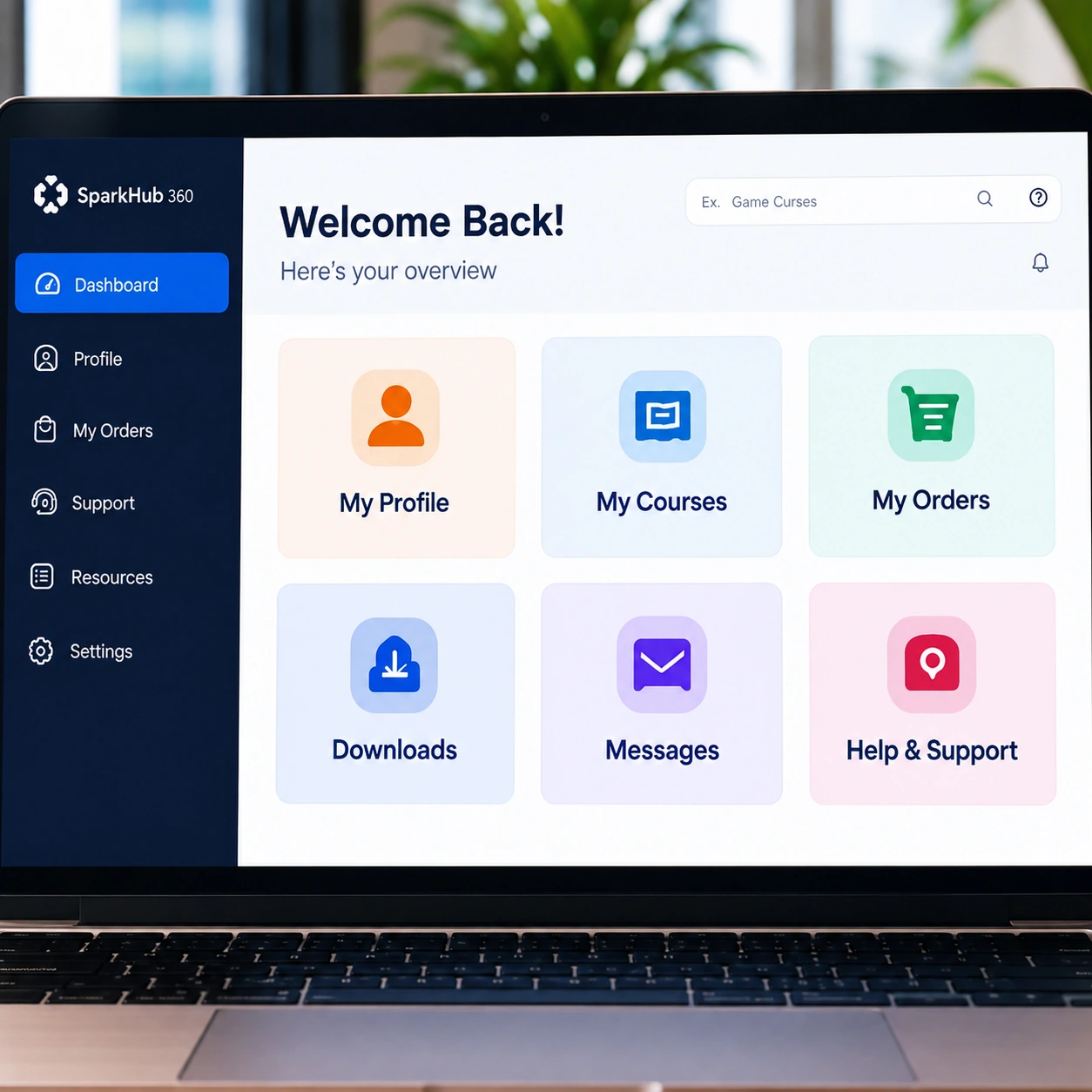
Users see only what is relevant to them
Different portal roles can receive different dashboards, records, actions and permissions according to the approved business workflow.
Documents and records stay easier to find
Instead of repeatedly sending the same files or status details manually, authorised users can access the information assigned to their account.
Users can submit and follow structured requests
Forms, service requests, applications or approvals can move through defined stages with clearer status visibility.
A portal can reduce unnecessary back-and-forth
A clear dashboard gives users one place for actions, updates and history instead of depending on scattered communication.
Portal Solutions We Build
Different Portals For Different User Relationships.
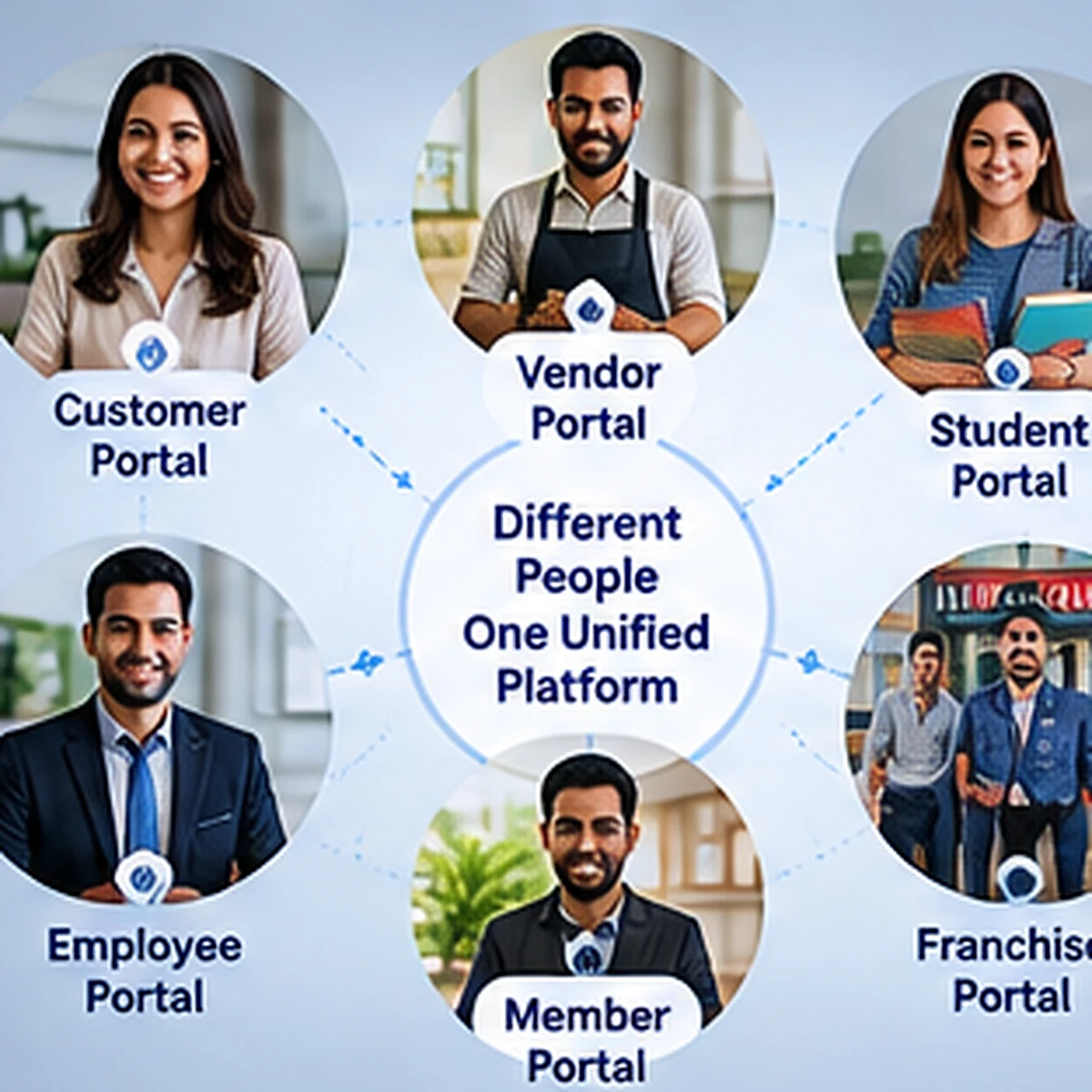
The portal structure depends on who needs access and what they need to do. We plan the experience around the relationship between the organisation and the portal user.
Customers
Customer Portals
Accounts, requests, documents, order or service history, status updates and support-related access.
Partners / Vendors
Partner & Vendor Portals
Shared records, submissions, documents, approvals, status tracking and business coordination.
Education
Student / Institute Portals
Course information, notices, documents, applications, records and institute-specific user access.
Internal Teams
Employee / Internal Portals
Internal records, forms, task-related information, documents, notices and workflow access.
Networks
Member / Franchise Portals
Controlled access for members, branches or franchise partners with assigned records and operational information.
Service Workflow
Request / Service Portals
Structured submissions, service requests, approvals, status tracking and completion history.
Portal Development Features
Everything the Portal Needs Should Support the User Journey.
We choose portal modules around the actual access and service workflow. The goal is not to fill the dashboard with features, but to make the important information and actions easy to reach.
Role-Based User Access
Different portal users can receive different sections, records and allowed actions.
Purpose-Built Dashboards
Important status, actions and information are prioritised around the user role.
Records & Documents
Authorised users can access assigned files, history and account-related records.
Forms, Requests & Status
Submission and request flows can be structured into clear workflow stages.
Search & Filters
Large record sets can be made easier to navigate with relevant search and filter controls.
Updates & Notifications
Portal, email or approved messaging updates can support important workflow events when required.
Third-Party Integrations
Supported APIs and business services can be connected when they improve the portal workflow.
Responsive Portal Experience
Portal screens are planned for desktop, tablet and mobile use according to workflow complexity.
Our Portal Development Process
From User Roles & Requirements To a Portal Ready for Real Work.
Portal development starts with users and permissions. We first understand who needs access, what each role should see, what actions they can perform and how records or requests move through the system.
01
Discovery
Understand Users & Portal Goals
We identify portal user types, business goals, current communication problems, records and expected outcomes.
02
Access Planning
Map Roles, Permissions & Visibility
We define what each user role can view, submit, update or download before the interface is built.
03
Workflow
Plan Requests, Records & Status Flow
Forms, documents, records, approvals and service stages are mapped into a clear portal workflow.
04
Development
Build Dashboards & Portal Modules
The portal is developed in structured modules with responsive screens, validation and approved access rules.
05
Review & Launch
Test Roles, Actions & Real User Journeys
We review critical portal journeys, access behaviour, responsive screens and production configuration before launch.
Portal Development FAQs
Questions Before Building a Business Portal.
Portal scope depends on who needs access, what information each role should see, what actions users can perform and how records, requests or documents move through the system.
01 Project Fit What is a web portal and when does a business need one?
Practical answer
A web portal is a controlled login-based area where authorised users can access relevant information, records, documents, requests or services. It is useful when the same users repeatedly interact with your organisation and need structured self-service access.
02 Access Can different users see different dashboards or information?
Practical answer
Yes. Portal roles can be planned so customers, staff, partners, students or other users receive different sections, records and allowed actions according to the approved requirement.
03 Documents Can users access or download their own documents?
Practical answer
Yes, when document access is part of the portal workflow. The application should validate that each user can access only the records or files assigned to their account or role.
04 Requests Can users submit forms or track request status?
Practical answer
Yes. Request, application, service or approval flows can be structured into stages so authorised users can submit information and see relevant status updates.
05 Integrations Can a portal connect with payment, email or other systems?
Practical answer
Yes when the external provider offers a supported API or integration method. The final connection depends on the provider, account configuration, technical requirements and portal workflow.
06 Mobile Will the portal work on mobile devices?
Practical answer
The portal can be designed responsively for desktop, tablet and mobile use. Complex tables or administrative workflows may use different responsive patterns to preserve usability.
07 Expansion Can new portal modules be added later?
Practical answer
Yes when the original application architecture supports maintainable expansion. New records, dashboards, forms, reports or integrations can be added later according to business needs and technical compatibility.
08 Budget How much does portal development cost?
Practical answer
Cost depends on user roles, dashboards, records, workflows, document handling, integrations, reporting, data migration and administrative requirements. We review the requirement first and then recommend a practical scope.