
Bug Fixes
Resolve functional issues
Website Maintenance & Upgrade Services
Keep Your Website Stable, Updated & Ready for Daily Business.
We maintain business websites and web applications that need regular fixes, updates, performance checks, backups, compatibility support, security hardening and practical improvements after launch.
Updates
Code & dependency upkeep
Performance
Speed & stability checks
Backups
Safer recovery planning
Support
Ongoing technical help
Jamshedpur-based team · Maintenance support available across India
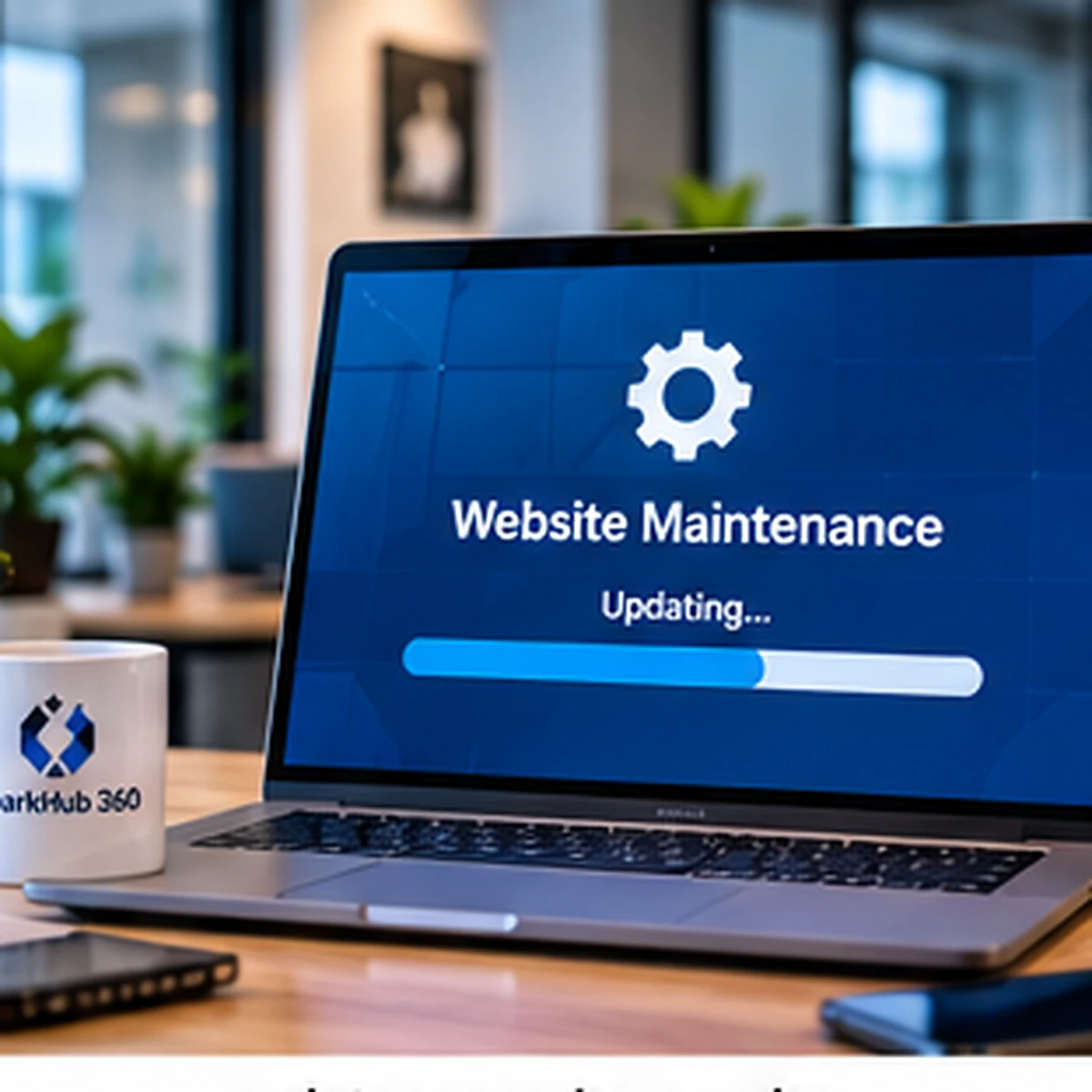
Why Website Maintenance Matters
Small Technical Problems Can Slowly Turn Into Bigger Business Problems.
A website can look fine on the surface while forms, integrations, mobile layouts, dependencies, backups or admin workflows are quietly becoming unreliable. Regular maintenance helps catch these issues before they create avoidable downtime or customer friction.

Broken forms, buttons or workflows need quick attention
Small frontend or backend issues can directly affect enquiries, transactions, logins or daily business operations.
Browsers and devices keep changing
Layouts, scripts and interactions may behave differently after browser, device or dependency updates.
Speed can reduce as the site grows
New content, scripts, images, plugins or integrations can gradually make pages heavier and slower.
Backups matter when something goes wrong
A recovery plan is useful only when backups are current, accessible and appropriate for the hosting setup.
What We Maintain
Maintenance That Covers The Parts Your Website Actually Depends On.
Maintenance requirements differ by website. We review the current stack, business-critical areas and the type of changes being requested before deciding what needs regular attention.
Bug Fixes & Troubleshooting
Investigate broken pages, forms, buttons, scripts, backend actions and unexpected application behaviour.
Framework / Dependency Updates
Review and apply supported code or dependency updates carefully instead of changing production blindly.
Speed & Performance Improvements
Review front-end assets, images, caching, page weight and avoidable performance bottlenecks.
Backup & Recovery Checks
Support practical backup routines and confirm where recoverable copies are stored for the project environment.
Content & UI Updates
Update text, images, sections, banners, contact details or small UI elements when the business changes.
Responsive / Browser Fixes
Correct layout or interaction issues that appear on particular screen sizes or modern browsers.
Integration Maintenance
Review supported payment, email, API or third-party integrations when provider changes affect the workflow.
Ongoing Technical Assistance
Provide practical support for small recurring changes and technical issues based on the agreed maintenance scope.
Maintenance vs Upgrade
Sometimes a Fix Is Enough. Sometimes the Website Needs a Proper Upgrade.
Not every problem should be patched forever. If the website is running on outdated architecture, unsupported code, repeated workarounds or a layout that no longer fits the business, an upgrade may be more practical than continuous small fixes.
Maintain when the foundation is still healthy
If the architecture is stable, supported and maintainable, targeted fixes and updates may be enough.
- Minor bugs and UI issues
- Content changes
- Routine updates
- Small performance fixes
Upgrade when the old foundation is holding the site back
If repeated fixes keep returning or the stack is outdated, a structured upgrade can reduce long-term friction.
- Unsupported framework or stack
- Repeated compatibility problems
- Major UX / responsive limitations
- Difficult future development
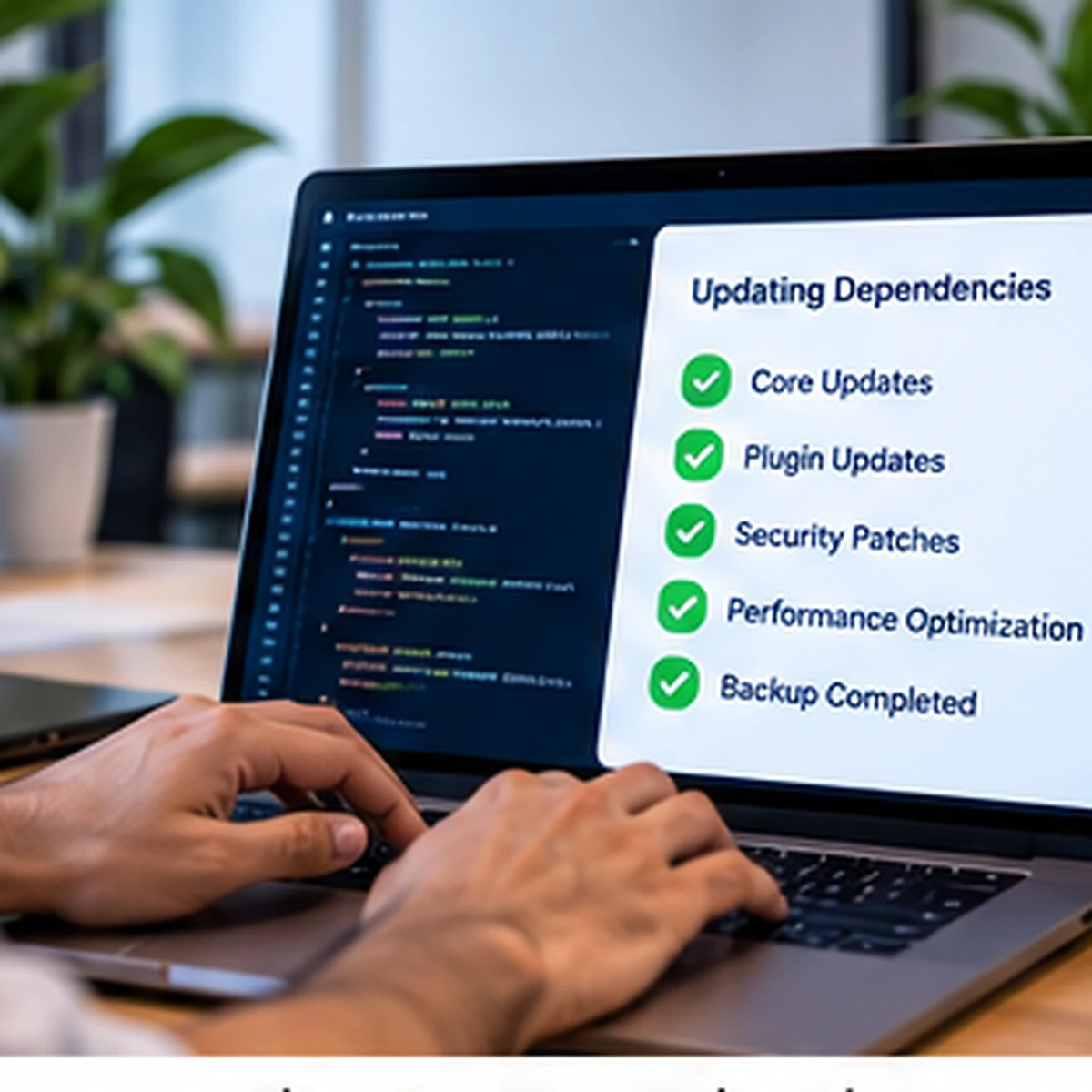
Our Maintenance Process
From Issue Report To a Tested, Controlled Update.
Maintenance work should not be random production editing. We first understand the issue, review the current setup, make the smallest safe change and test the affected workflow before considering the task complete.
01
Review
Understand the Issue or Requested Change
We review the page, workflow, error, current code or requested update before changing anything.
02
Safety
Check Backup / Recovery Readiness
For higher-impact work, we confirm an appropriate recovery path before touching business-critical code or data.
03
Implementation
Apply the Fix or Upgrade Carefully
We make the required code, UI, configuration or content change while avoiding unrelated modifications.
04
Testing
Test the Affected User Journey
The changed workflow, responsive behaviour and related functions are reviewed after implementation.
05
Support
Monitor and Handle Follow-Up Issues
If the maintenance agreement includes ongoing support, related follow-up issues can be reviewed as they appear.
Website Maintenance FAQs
Questions Before Starting Ongoing Maintenance.
Maintenance scope depends on the current website stack, hosting access, existing code quality, update frequency and the type of support the business needs.
01 Service Fit What does website maintenance include?
Practical answer
Maintenance can include bug fixes, supported updates, content changes, performance review, backup checks, responsive fixes, integration troubleshooting and recurring technical support. The exact scope depends on the website and maintenance agreement.
02 Frequency How often should a business website be maintained?
Practical answer
There is no single schedule for every website. A simple brochure website may need occasional review, while a business-critical application or e-commerce system may require more frequent monitoring and updates.
03 Backups Do you take a backup before making changes?
Practical answer
For higher-impact maintenance work, a suitable backup or recovery path should be confirmed before important code, configuration or data changes. The exact method depends on the hosting and deployment setup.
04 Updates Can you update an old website or framework?
Practical answer
Often yes, but the current codebase should be reviewed first. Large version jumps, unsupported plugins, custom modifications or legacy dependencies may require a staged upgrade rather than a simple update.
05 Performance Can maintenance improve a slow website?
Practical answer
Yes, depending on the cause. Images, scripts, caching, database queries, hosting limits or third-party services can all affect performance. We first identify the likely bottleneck before recommending changes.
06 Integrations Can you fix broken payment, email or API integrations?
Practical answer
When the external provider still supports the integration and required account access is available, we can review the connection, logs and configuration to identify the issue and recommend a fix.
07 Support Do you provide ongoing monthly maintenance?
Practical answer
Yes, ongoing support can be structured around an agreed scope such as recurring fixes, updates, small content changes, monitoring or technical assistance. The exact response expectations should be defined in the maintenance agreement.
08 Budget How much does website maintenance cost?
Practical answer
Cost depends on the current technology, website complexity, update frequency, response expectations, hosting environment and the amount of recurring work. We review the existing setup before recommending a maintenance scope.